Change or rekey · Rosebank
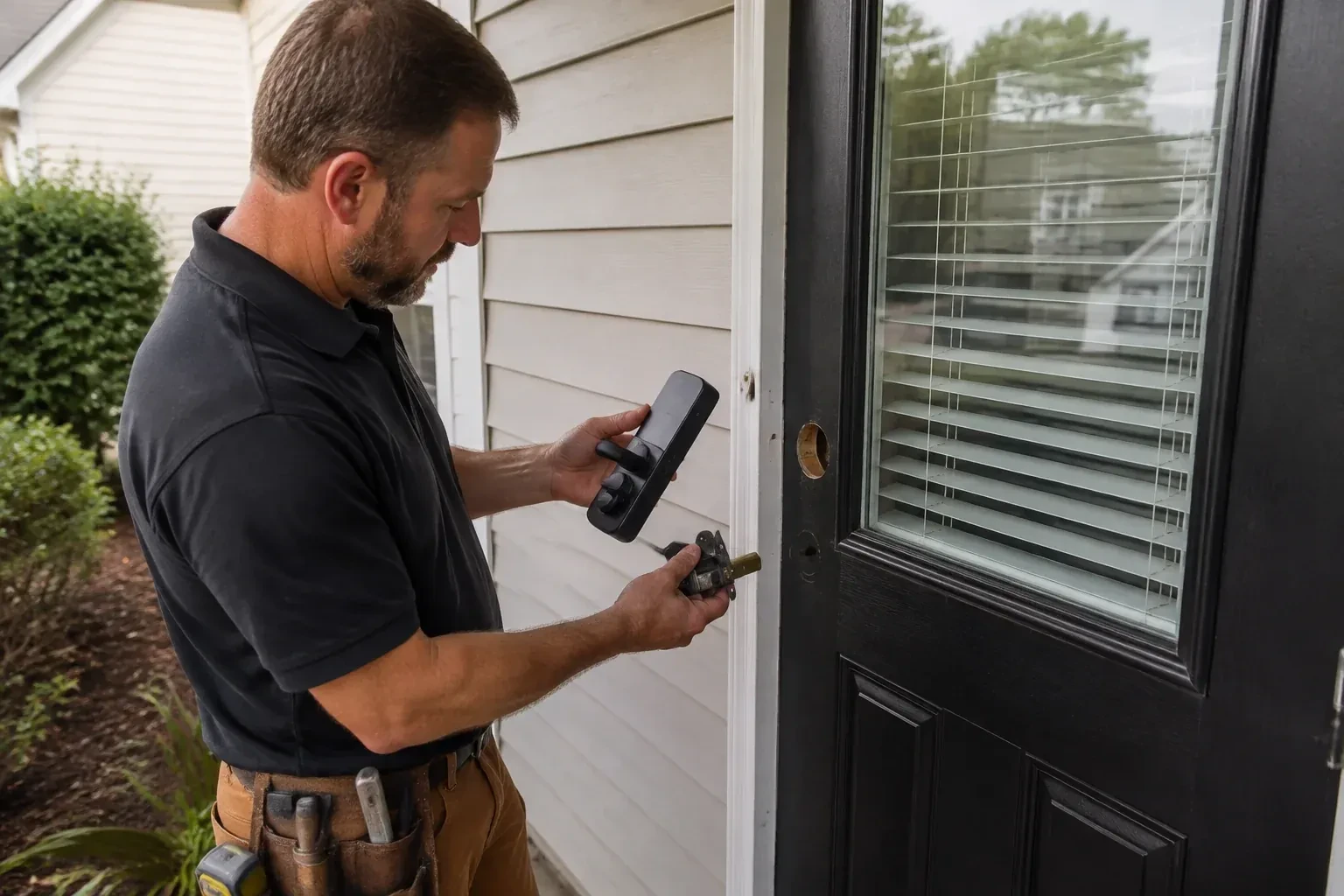
Smart Lock Installation in Rosebank
The kids get home before you do and the spare key has been lost twice this school year. A keypad they can tap, plus a message to your phone when the door opens, would take a daily worry off the list.
Call now · open 24/7(289) 275-9650In plain words
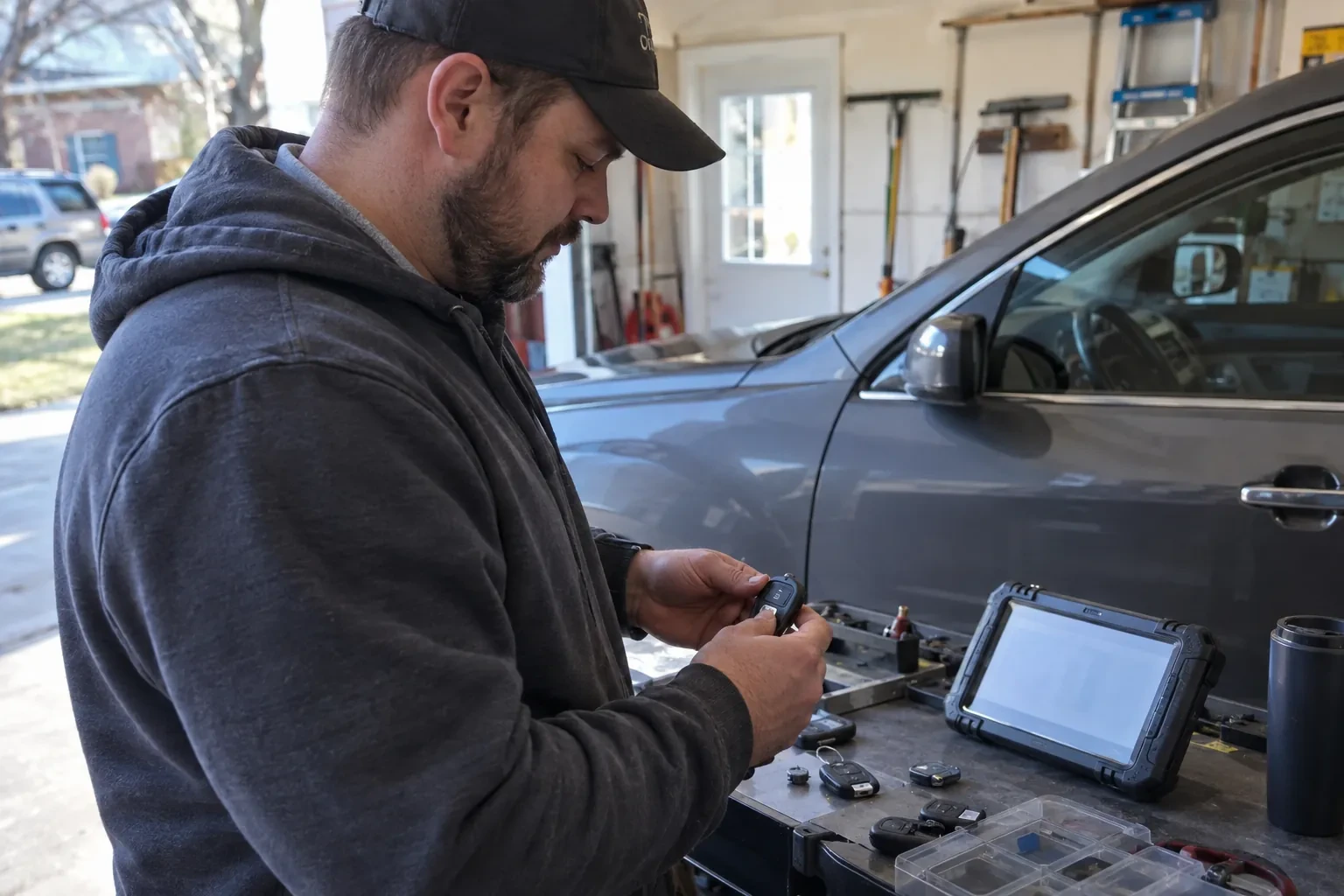
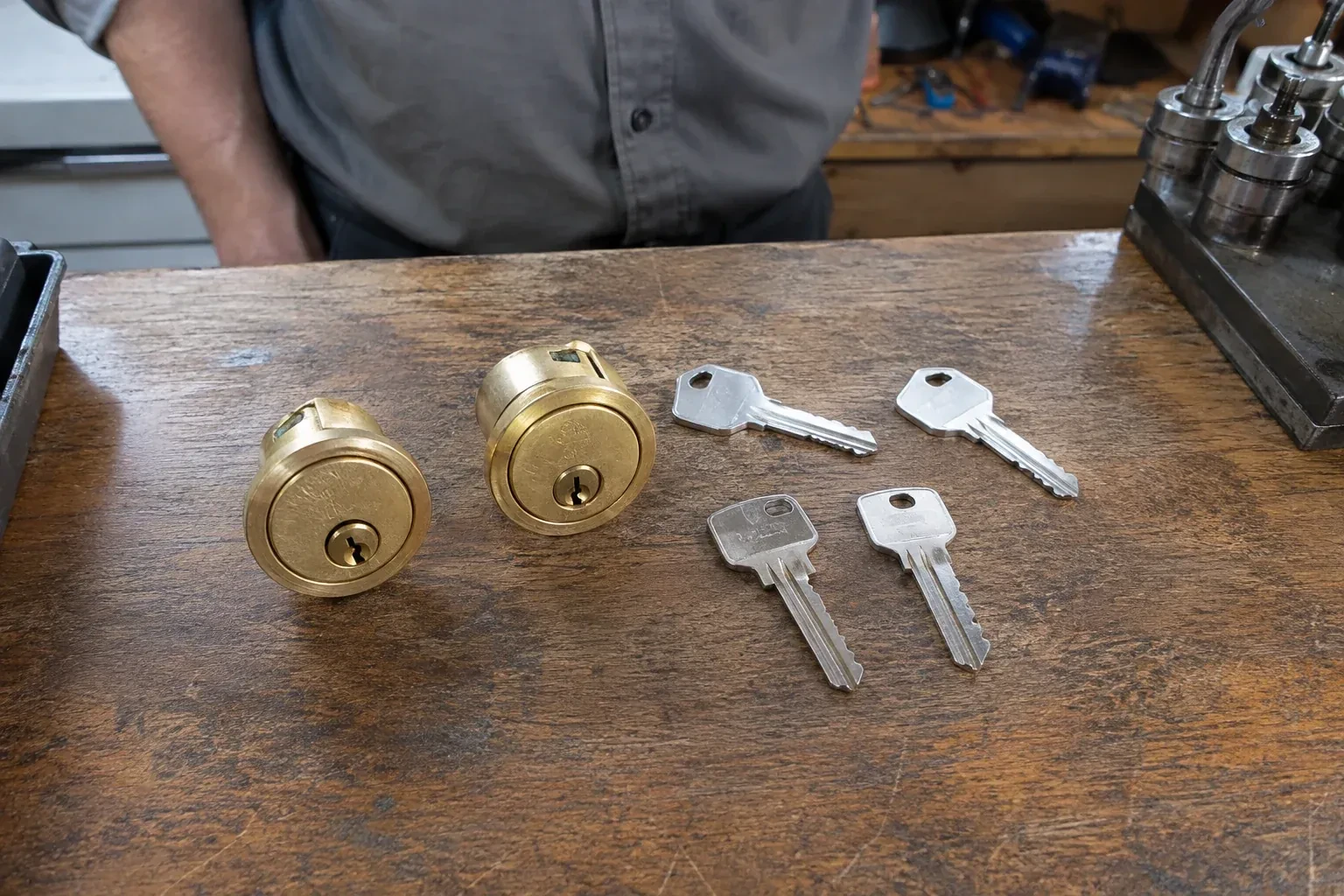
A smart lock fitted by a locksmith keeps a way in that works when the battery or network fails, a mechanical key on many models or an external battery contact on key-free ones. Most keypad deadbolts keep a conventional keyway, rekeyed during the visit so a fresh key operates it and the old one retires. Some models instead add small outside terminals where a nine-volt battery can wake a dead lock long enough to enter a code. The technician tests whichever route the model provides, shows the low-battery warning, and explains what the lock does if the internet goes quiet.
How the visit goesThe rental turns over every few months and each time you drive across town to swap keys, then wonder whether copies were made. A lock with codes you can set and erase from your phone would end that cycle.
Smart Lock Installation · Rosebank
How the visit goes
- 1
What the household wants the lock to do
Before a model is chosen, the locksmith asks how the door will actually be used. Who needs to get in, and how often does that list change? Should the door lock itself after a set time, or stay as it is left? Is a message when it opens useful or annoying? Does anyone want to open it from a phone while away, which brings the network into play, or is a keypad at the door enough? Are there children, a caregiver, a cleaner or a dog walker who need their own codes? Those answers decide between a simple keypad deadbolt, a Bluetooth model, a Wi-Fi model or a lock that joins an existing home hub.
- 2
Retrofit locks that keep your outside hardware
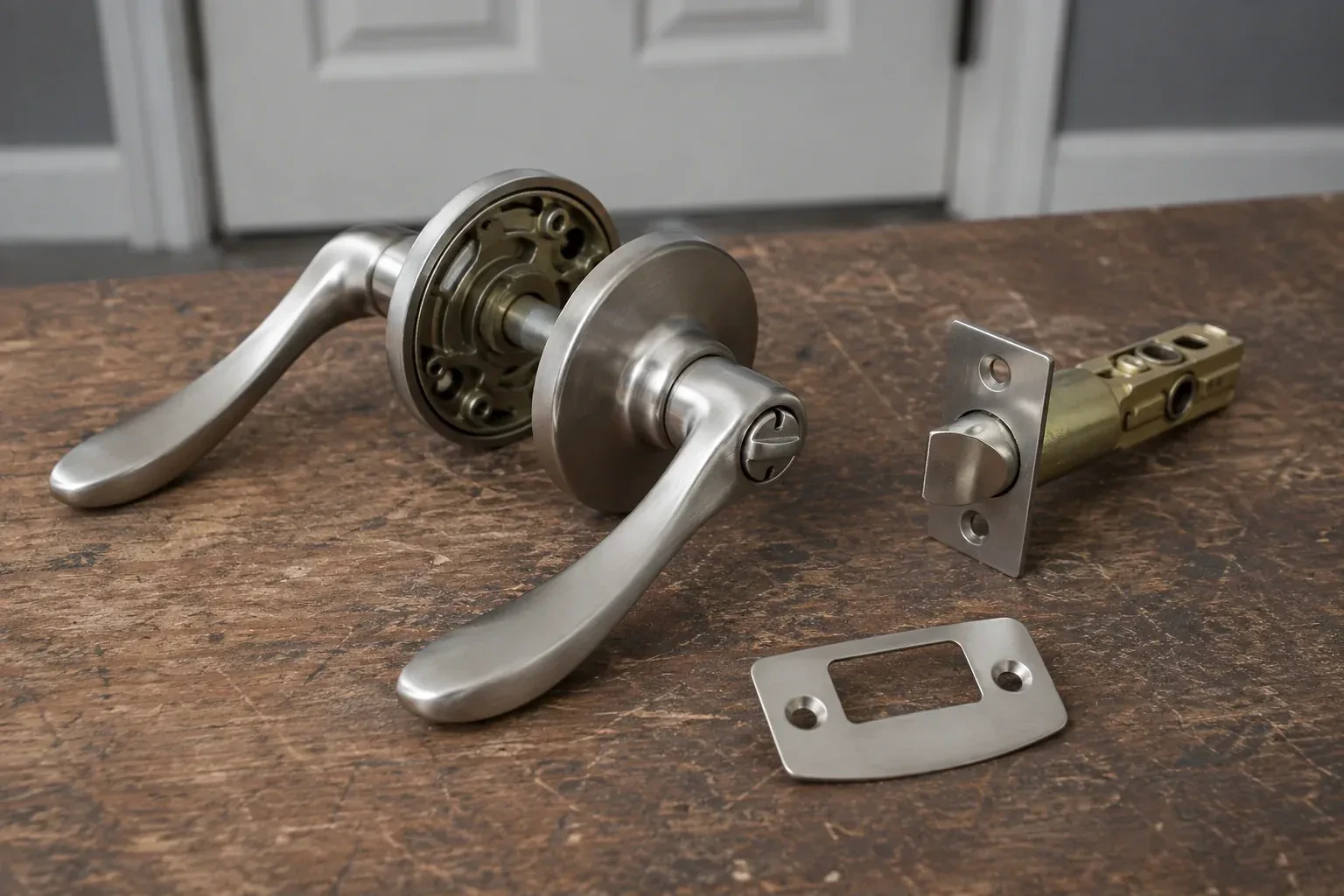
Some smart locks mount only on the inside of the door and turn the deadbolt you already own, leaving the exterior face and the keyway as they were. Fitting one begins by checking that the existing deadbolt is on the model's compatibility list and that its tailpiece shape matches an adapter in the box. The interior thumb-turn is removed, the adapter fitted, and the motor unit clamped to the mounting plate so it sits square and turns the bolt through its full travel without slipping. Because the outside is untouched, these suit rented units where the landlord prefers the door unchanged, and older doors whose exterior hardware is worth keeping. The existing key keeps working alongside the phone.
- 3
Codes you can give and take back
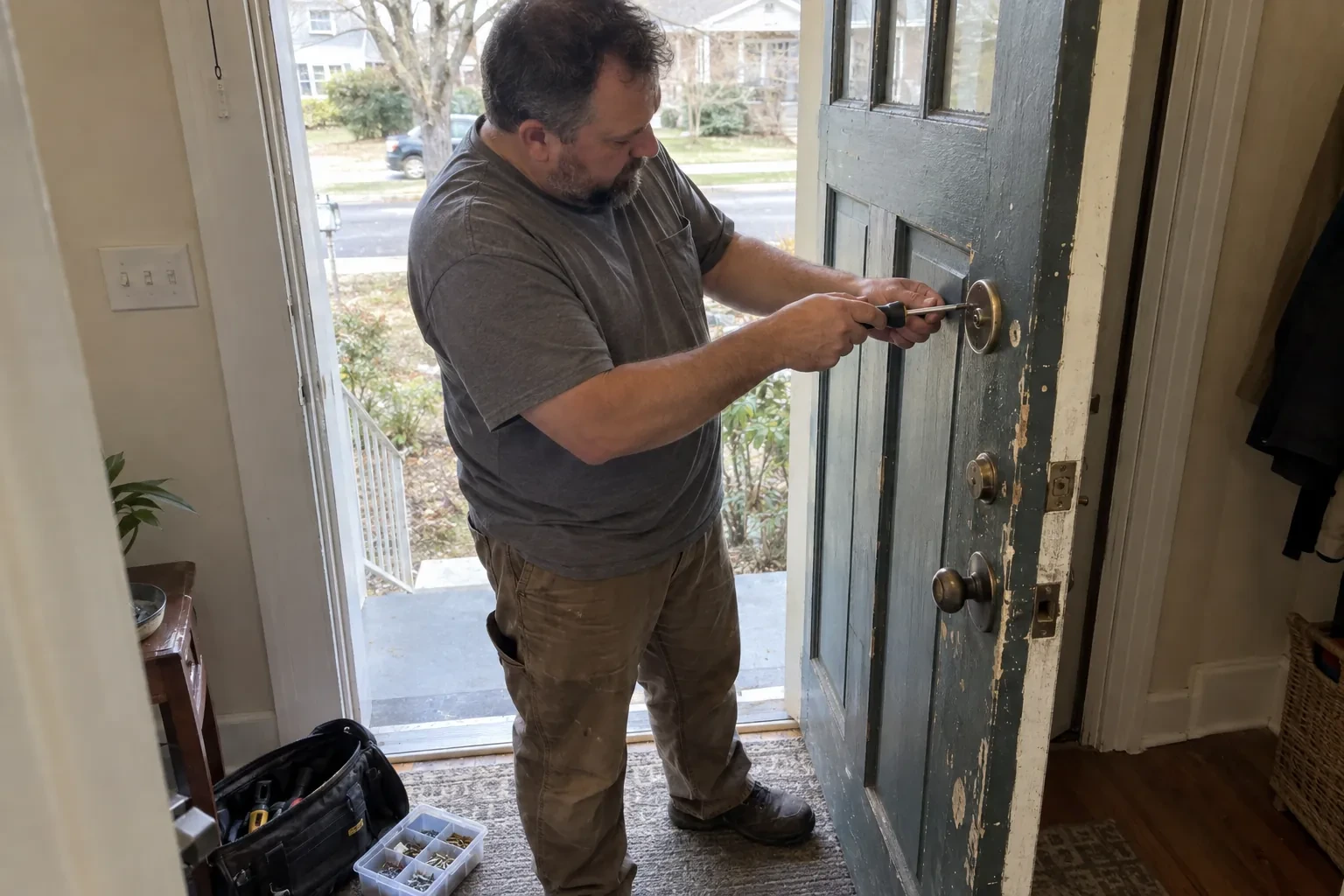
The lock now belongs to your account, and the day-to-day control is yours. Adding a code for a new cleaner, setting a weekend window for a visiting relative or removing the dog walker who moved away is done from the app or the keypad in moments, without a locksmith and without cutting anything. A short list of who holds which code, kept somewhere private, is worth writing on day one so the door's access stays as tidy as it is today. Codes should be unique per person and never shared aloud on the step; where the lock offers one-time or scheduled codes, use them for trades and deliveries and let them expire.
In the van
- Adjustable-backset bolt and faceplate
- Thick-door extension kit
- Hand screwdrivers, Phillips and Torx
- Dry PTFE lubricant
- Wi-Fi bridge or home hub
What affects the quote
- 1
Pairing a smart deadbolt with a smart lever on the same door
Some doors get a smart deadbolt only, while others pair it with a smart lever below so both turn from one app and share the same codes. Fitting and programming two devices on one door takes more work than one, confirmed once the door and hardware are seen.
- 2
Network setup
Joining the lock to Wi-Fi, adding a bridge because the signal at the door is weak, or pairing with an existing hub is setup time and sometimes an extra device, and appears in the quote as such.
- 3
Travel and access to the property
Distance to the address and how easy the door is to reach, such as a condo with a locked lobby or a rural property at the end of a long drive, are part of any call-out.
Same fees day, night or weekend.
Smart Lock Installation: questions
Will a smart lock fit my existing door?
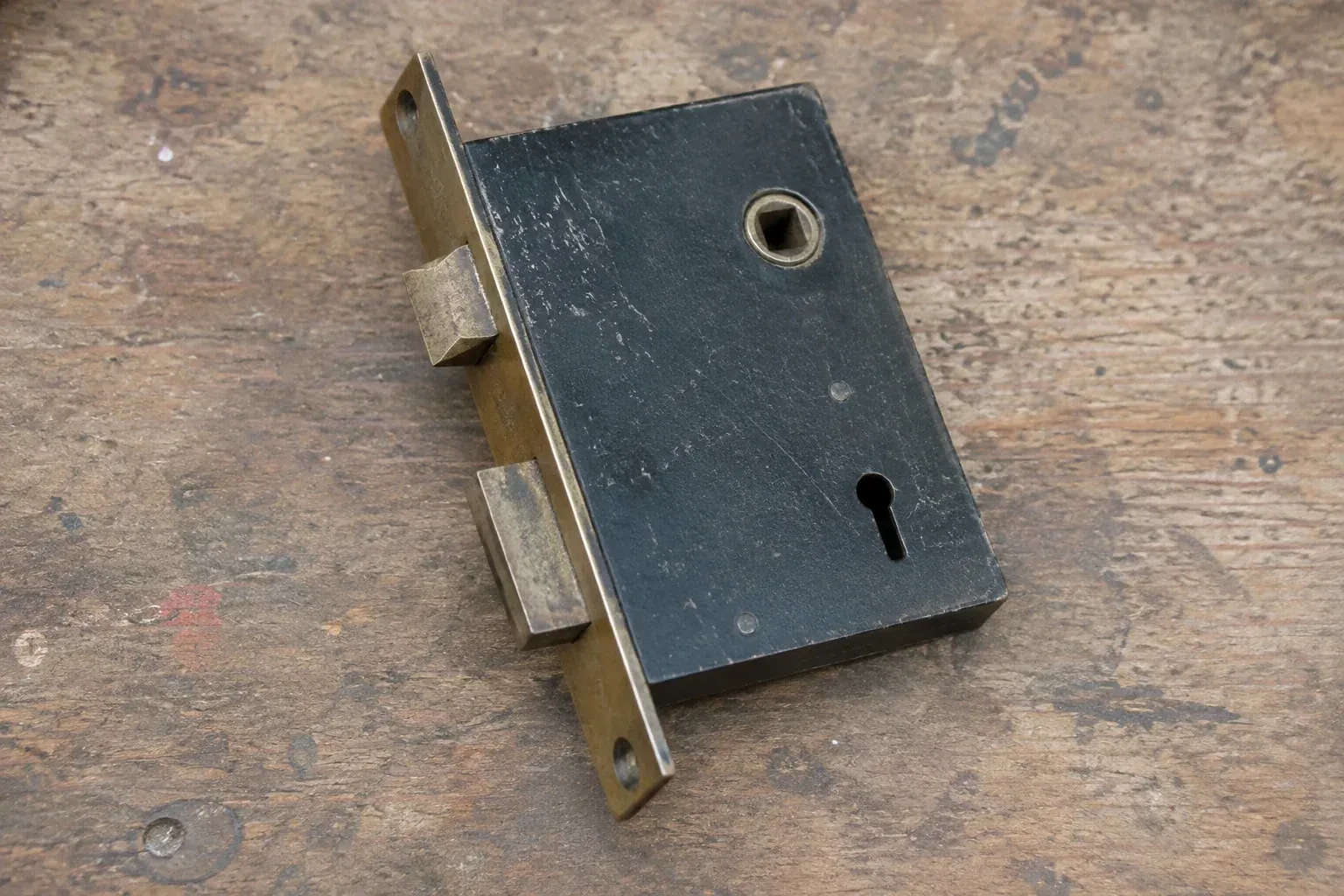
Most residential doors have the standard preparation these locks are designed around: a large hole for the lock body, a smaller one in the edge for the bolt, and a thickness between roughly 35 and 45 millimetres. The locksmith measures all three plus the backset before recommending a model. Thicker doors take an extension kit, thin or glass-panelled doors and older doors with a mortise pocket call for a particular model or some preparation, and all of that is sorted out before the box is opened.
Do I need a hub or a bridge?
Only if the model you choose uses one to reach the internet. Some locks have Wi-Fi built into the interior unit and connect straight to your router. Others save battery by using Bluetooth at the door and a small plug-in bridge nearby to relay to the network. Locks designed for a home hub join whatever hub you already run. The locksmith checks signal strength at the door itself and recommends the arrangement that keeps the lock reliably connected.
What happens when the batteries die?
The lock warns you well before that point, with a light or tone at the keypad and, on connected models, a message to your phone. If the warnings are missed, a keyed model's mechanical override still opens the door, while a key-free model instead has two small contacts on the outside where a nine-volt battery gives it enough power to accept a code. The locksmith shows you each route your model offers and where the spare batteries and the key should live.
Smart Lock Installation near you
Durham, Ontario
Rosebank information
- Town
- Rosebank, Durham, Ontario
- In business
- 11 years
- Hours
- Open 24/7 · nights, weekends and holidays, same fees
- Phone
- (289) 275-9650
- Visits
- On-site assessment preferred. Request a visit or call.
What the census means at the door
31%
Newer homes. About 31% of homes in Pickering were built in 1980 or earlier, according to the 2021 Census.
Households in newer homes are often keen on keypads, fobs and phone-controlled locks. Standard doors make installation straightforward, and the locksmith spends more of the visit setting codes and pairing devices than on carpentry.
60%
A mix of homes. Single-detached houses make up about 60% of homes in Pickering (2021 Census).
In a mixed area, a locksmith's advice bends to the building. For a house, the side door and garage entry get attention. For an apartment, the suite door's closer, strike and viewer do. The principle is the same: look at how the door is actually used.
Open 24/7
Request a visit
The kids get home before you do and the spare key has been lost twice this school year.
Call now · open 24/7(289) 275-9650- On-site assessment preferred
- Same fees day, night or weekend
- 11 years in business